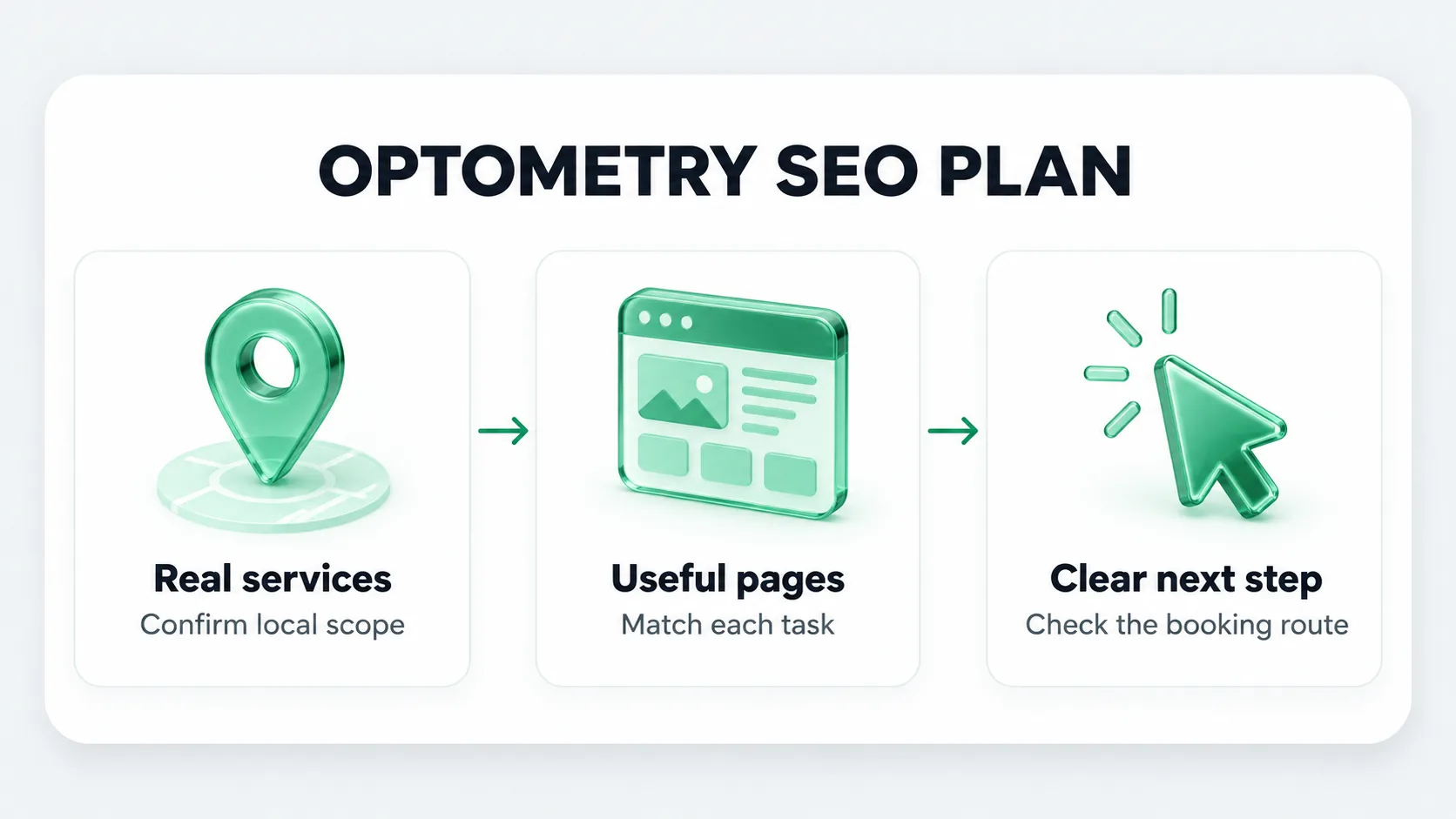
Start with the appointments you actually offer
Build your SEO plan from the practice schedule and service list. Record the appointments you accept, the locations where they are available, and the information someone needs before requesting one. This keeps the website aligned with the practice rather than with a list of attractive keywords.
Ask the practice manager and an optometrist to review that list together. The manager can confirm hours, booking routes and payment information. The clinician can confirm the service descriptions and the qualifications attached to each provider. The American Optometric Association describes doctors of optometry as O.D.s. Use the actual credentials of your team and describe the care your practice provides, rather than borrowing the language of an ophthalmology or optical retail website.
A useful starting worksheet has five columns: appointment type, location, current page, information missing and owner. Complete it before commissioning new content. A missing booking route on a useful page may deserve attention before another article.
Turn search intent into a page map
Use Search Console to see which queries already display your site, then inspect relevant search results in your actual market. Group queries by the decision the visitor is trying to make. A service name and a nearby city are possible research seeds, not evidence that the searcher is ready to book or that the phrase has measurable local demand.
Illustrative example: the following map describes an invented practice with one office. The search phrases are examples, not measured volumes, clinical recommendations or a Forge client result.
Several related searches can belong to one page. Do not create separate pages for every variation of “eye doctor,” “optometrist” and “eye care” if they answer the same question about the same office. Add a page when its audience needs a distinct explanation or route, then connect it to the relevant location and provider.
Check the profile against the real practice
Compare the website, appointment system and Google Business Profile side by side. Check the business name, location, phone number, customer-facing hours and destination of the website link. Use the real business name rather than adding search terms to it. Google’s business representation guidelines also distinguish organizations from individual practitioners. Check that guidance before adding, merging or removing a provider profile.
Create an issue log rather than changing everything at once. For each discrepancy, record what the public currently sees, the confirmed value, the person who approved the change and the date it was checked. A practice with several providers needs a consistent decision about who manages the organization’s profile and which practitioners are eligible for separate profiles.
Do not invent another office to target a nearby town. A directions section can help people reach your actual practice. It does not establish a second location. Google explains that local visibility depends on relevance, distance and prominence; you cannot pay Google for a better local position or make the practice equally close to every searcher.
Give each priority page a complete appointment route
Choose the existing page whose missing information most directly prevents a visitor from understanding the appointment. Complete the following brief with the person responsible for that service.
- Purpose: the appointment or question this page addresses.
- Clinical scope: the description approved by the clinician, including limits where relevant.
- Provider and location: who offers the service and where.
- Practical details: the request route, relevant preparation information and a way to verify payment or insurance questions.
- Next step: a working link or phone route that accurately describes what happens after contact.
- Maintenance: a named owner and review date for details that change.
Write a descriptive title and heading around the page’s actual purpose. Google may generate a different title link in search results, so treat the title as accurate page information rather than a message whose display you control. Its title-link guidance explains the different sources it can use.
Then open the page on a phone. Follow the route to the approved appointment destination. Check that the button label, page destination and confirmation all describe the same action. A request is not necessarily a confirmed appointment. Record broken links and unclear steps before proposing a redesign. Confirm that healthcare web design choices keep this appointment route clear across every device.
Prioritize fixes in an owned work queue
Use three categories for the first work cycle. Fix incorrect contact or location information first. Next, repair an incomplete route on an important service page. Then consider a new page where the practice offers a distinct service that the existing site does not explain.
These checks establish that work was delivered. They do not establish that a ranking, inquiry or appointment improved because of it. Keep publication dates and a change log so later reporting can distinguish implementation from observed search performance.
Measure the plan without promising a timeline
Save a baseline before the first change. Record the dates, country, search type and page filters used in Search Console. Keep inquiries, confirmed appointments and attended visits as separate operational measures. A clicked phone link is not proof that a call was answered; a form submission is not proof of an attended visit. Keep these measures separate to support clear eye care SEO reporting that distinguishes visibility from booked visits.
There is no result date that this checklist can promise. Review whether the agreed work is complete, whether the intended pages are accessible, and whether the observed search queries fit the practice. If clicks change, examine the query and device mix before attributing the difference to one edit.
If you need someone to own this process, review Forge’s eye care SEO services. The broader eye care marketing scope explains how search work fits with the rest of the practice’s acquisition plan. You can request a free diagnostic to discuss the website, market and priorities.