A referral page should help a professional reach the established process without collecting patient records in a marketing form.
An orthopedic referral page serves an office trying to complete an administrative handoff. Its reader needs to know whether the group accepts the relevant type of referral, how to use the approved channel and whom to contact about the process. A general “Book now” button may not answer those questions.
Interview the team that receives referrals before drafting the page. Ask which questions repeatedly interrupt their work and which instructions they can publish. Keep patient-specific decisions inside the practice's established clinical and administrative systems.
For a concrete organizational example, Mayo Clinic's orthopedic referral page separates referral contact routes by location and describes its referring-physician portal. That illustrates a useful distinction between public process information and the actual transmission of records. It is not a template for another practice's acceptance rules or response times. Multi-location groups should periodically review their orthopedic local seo setup to keep referral routes accurate across offices.
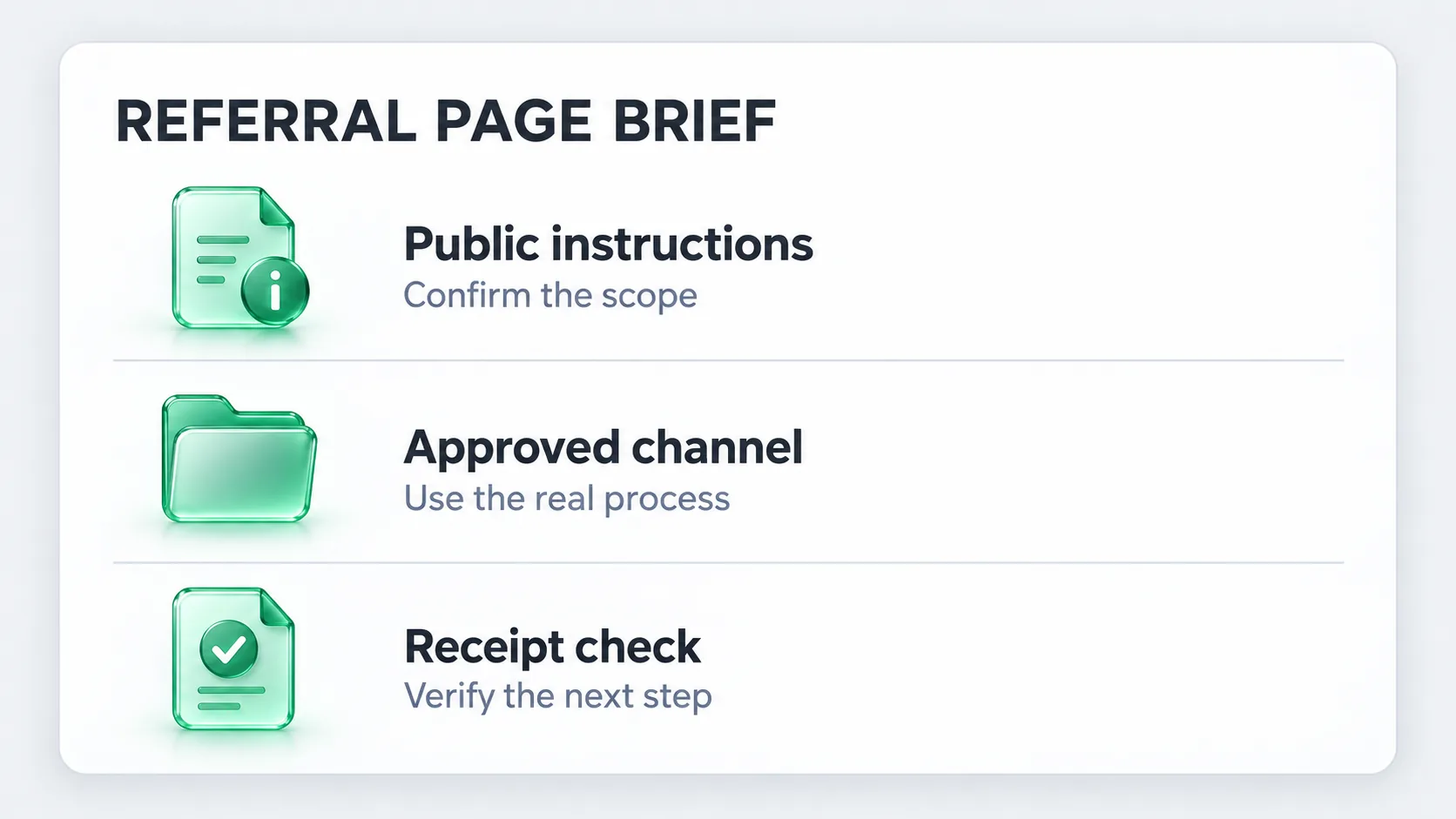
Complete the brief below with the referral coordinator. Each row should have an owner who can verify the answer before it appears on the website.
| Public question | Information the team should approve | Keep out of the public page |
|---|---|---|
| Which services accept referrals? | Current service areas, intended referring audience and relevant offices | Unverified capacity or blanket acceptance promises |
| How do we start? | Approved portal or administrative contact and access instructions | Credentials or an open upload of patient records |
| What information will the receiving team request? | A general description of required documentation, confirmed by the team | Completed examples containing patient information |
| How do we ask about the process? | Responsible team and the appropriate contact route | A promised clinical decision or appointment date |
| What happens after submission? | The actual receipt, review and scheduling stages | An implication that submission guarantees acceptance |
Publish only requirements that the receiving team has confirmed. Requirements may vary by service, office or payer. The page can explain where to check an individual case instead of presenting a universal list that will soon become wrong.
Label the referral route for referring professionals. Keep the patient appointment route and the general business contact available as separate choices where appropriate. The distinction should remain visible on a phone, where navigation often collapses into a single button. Thoughtful healthcare web design keeps these routes distinct even as mobile navigation collapses options.
The public referral page can describe the process without collecting the records itself. Link to the system approved by the organization. Avoid asking someone to paste patient histories, imaging details or referral letters into a general marketing form.
A familiar analytics tool is not proof that a clinical handoff belongs there. Google's Analytics and HIPAA guidance states that the service does not offer Business Associate Agreements and that HIPAA-regulated entities must not expose protected health information to it. Have the responsible team review the destination and any tracking before the route is released.
Illustrative test plan: these scenarios are designed for a controlled review with the practice. They do not require sending a real patient record.
| Scenario | Expected behavior | Evidence to record |
|---|---|---|
| A referring office opens the public page on mobile | It can identify the service scope and referral route | Screenshot and reviewer notes |
| The user follows the approved portal link | The destination is the correct organization and process | URL and access-state check, without copying credentials |
| The user needs help before submitting | A named administrative route is available | Contact destination confirmed by the coordinator |
| A controlled test submission fails | The approved system shows a clear error and recovery route | Test-only result, with notifications isolated |
| A controlled test is received | Its status distinguishes receipt from acceptance or booking | Verified test receipt in the approved system |
Record a limitation if the website team cannot access the portal or isolate notifications. A working link is a useful check, but it does not prove that the receiving team got the referral. The coordinator should confirm the remaining stage.
Add a clear link from the relevant service area and, where useful, from a professional resources menu. The page should lead back to the service and office information a referring team may need. Use direct, descriptive links in line with Google's link guidance. A broader orthopedic seo page map helps the referral page connect to relevant service and specialist pages.
Keep public reporting about the route at the appropriate level. Page visits, portal-link clicks and referrals received are different stages. Aggregate operational counts can help the team identify friction when their definition and source are clear. Do not treat a portal click as a patient accepted for care.
Review the page whenever the receiving process, services or office contact changes. Give it a named owner and review date. For help organizing the page within the wider site, see Forge's orthopedic marketing approach or request a free diagnostic.