Local information needs an operational owner, a verified value and a working destination.
Orthopedic local SEO starts with a practical question: can someone who finds one of your offices identify its services and reach the correct team? A group can have accurate organization-wide information and still send visitors to an office where the relevant clinician does not work.
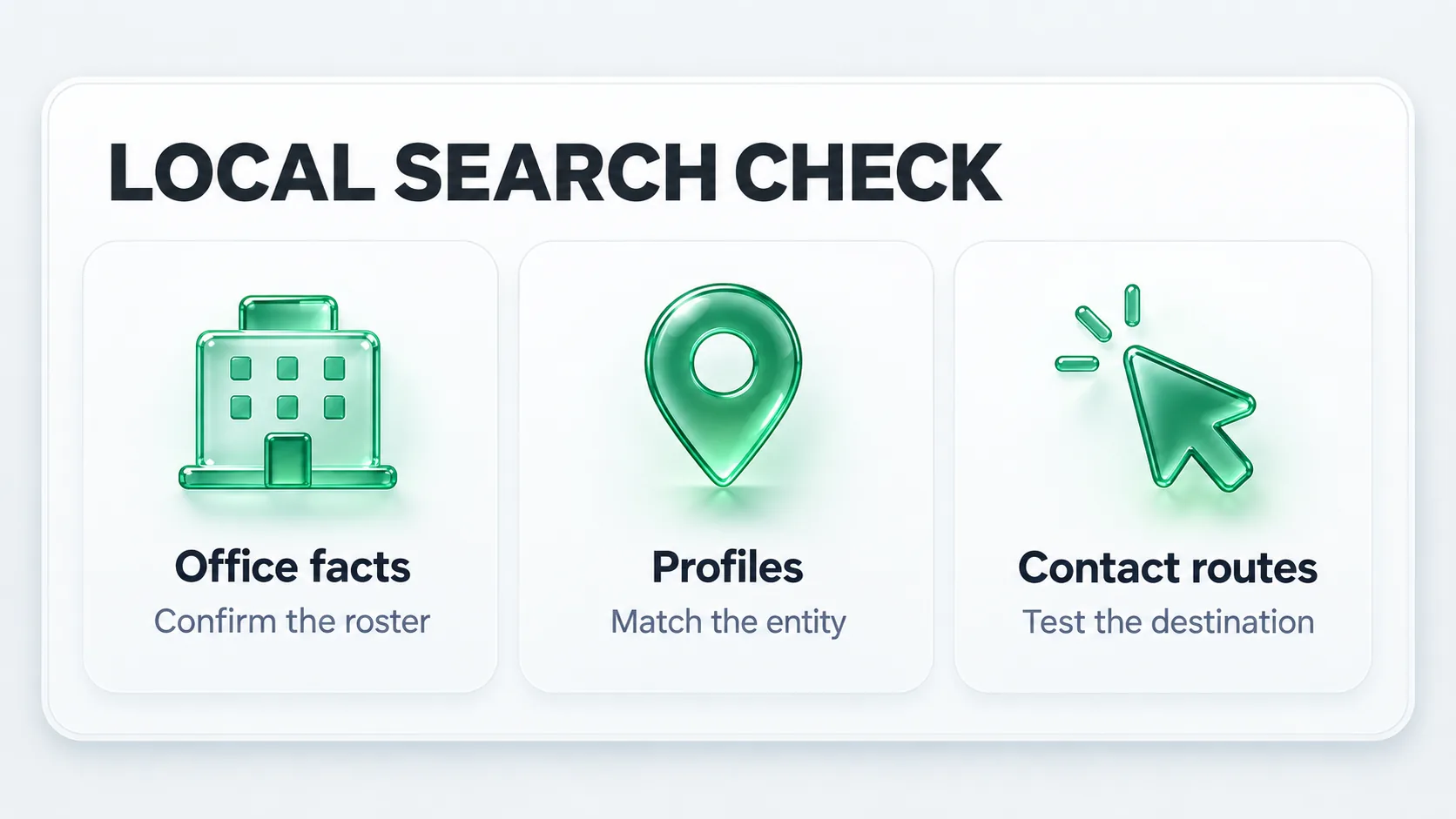
Choose one real office and one priority service area. Open its public profile, the linked location page, the clinician biography and the appointment destination. Compare them with the approved schedule. Keep the audit narrow enough that an office manager can verify every discrepancy.
Google says local results are influenced by relevance, distance and prominence. The work below addresses information and access that the practice can review. It does not make an office equally close to everyone searching across a region.
Use this worksheet as the shared reference for the website team and office manager. Fill it from operational records, not from whichever directory was updated most recently.
| Field | Source to verify | Where the value must agree |
|---|---|---|
| Public office name and address | Approved organization and office records | Profile, location page and directions |
| Hours and contact route | Office manager and scheduling team | Profile, page, phone route and booking destination |
| Services offered at this office | Responsible clinician and service lead | Location page and linked service pages |
| Providers who see patients here | Current provider-location roster | Biographies, directory and office page |
| Practical access information | Office team | Directions, entrance, parking and accessibility details |
| Maintenance owner and review date | Named practice contact | Internal issue register |
A rotating schedule needs wording the team can maintain. Confirm where appointments are actually arranged instead of publishing a timetable that changes every week without an owner. Do not infer that an affiliated hospital or surgery center is another staffed practice office.
Inventory the profiles that already exist before creating new ones. Record the represented entity, visible name, location, linked page and account owner. A group profile, an individual surgeon and a department are different representations. Their eligibility should be assessed using Google's business representation guidelines.
Ask the account owner to resolve access and naming questions before a bulk cleanup. A profile should represent a real eligible business or practitioner, with accurate public details. Creating a profile for every keyword or treating every duplicate-looking listing as disposable can damage a route that patients already use.
Keep a change log for any correction: original value, approved value, reason and date. If a listing's ownership is unclear, log the dependency and work on the location page while the account owner investigates.
Illustrative audit scenarios: the following examples are invented checks for a group with several offices. They are not measured failures at a client practice.
| Entry route | Test | Pass condition |
|---|---|---|
| Office profile to website | Open the profile's website link | The destination identifies the same office and provides a working contact route |
| Surgeon biography to appointment | Choose the office named in the biography | The destination makes the relevant office clear before the request is sent |
| Service page to local information | Follow its office link | The location actually offers the service and names the appropriate team |
Run the checks on a phone as well as a desktop. A click-to-call action only tests the link unless the practice has arranged a controlled call test. A form test should use an approved test record and an isolated notification route. Record which part you actually verified.
Give each genuine office useful local information: the services available there, providers, access details and the correct administrative destination. Replacing a city name in otherwise identical copy does little to help someone choose an office. Thoughtful healthcare web design helps present these office-specific details clearly so patients can choose confidently.
Google's doorway-abuse policy addresses pages created to rank for similar searches and funnel users onward. Evaluate the reader's task before building a matrix of city and treatment pages. An existing directions page may answer the actual need more clearly than another landing page. A structured orthopedic SEO page map can clarify how condition, procedure and specialist pages should relate to each other.
Prioritize wrong contact information first, mismatched service-location relationships next, then missing local information. This order gives the team a finite queue that can be checked after each release.
Keep office profiles and website search reports separate unless the measurement setup supports a specific connection. A landing page named for an office does not prove where a person ultimately booked. Google defines the Business Profile Calls metric as clicks on the call button, not answered calls.
For local search observations, retain the query, location, device settings and date. For operational outcomes, ask the practice how office choice and appointment status are recorded. Discuss changes with those limitations visible, then choose the next correction.
Forge's orthopedic marketing service can help define the scope of an office audit. Request a free diagnostic and identify the office or service area you want to improve.