Confirm access, compare each field with current business evidence and review the public result. A submitted update, an accurate profile and a measured business outcome are different things.
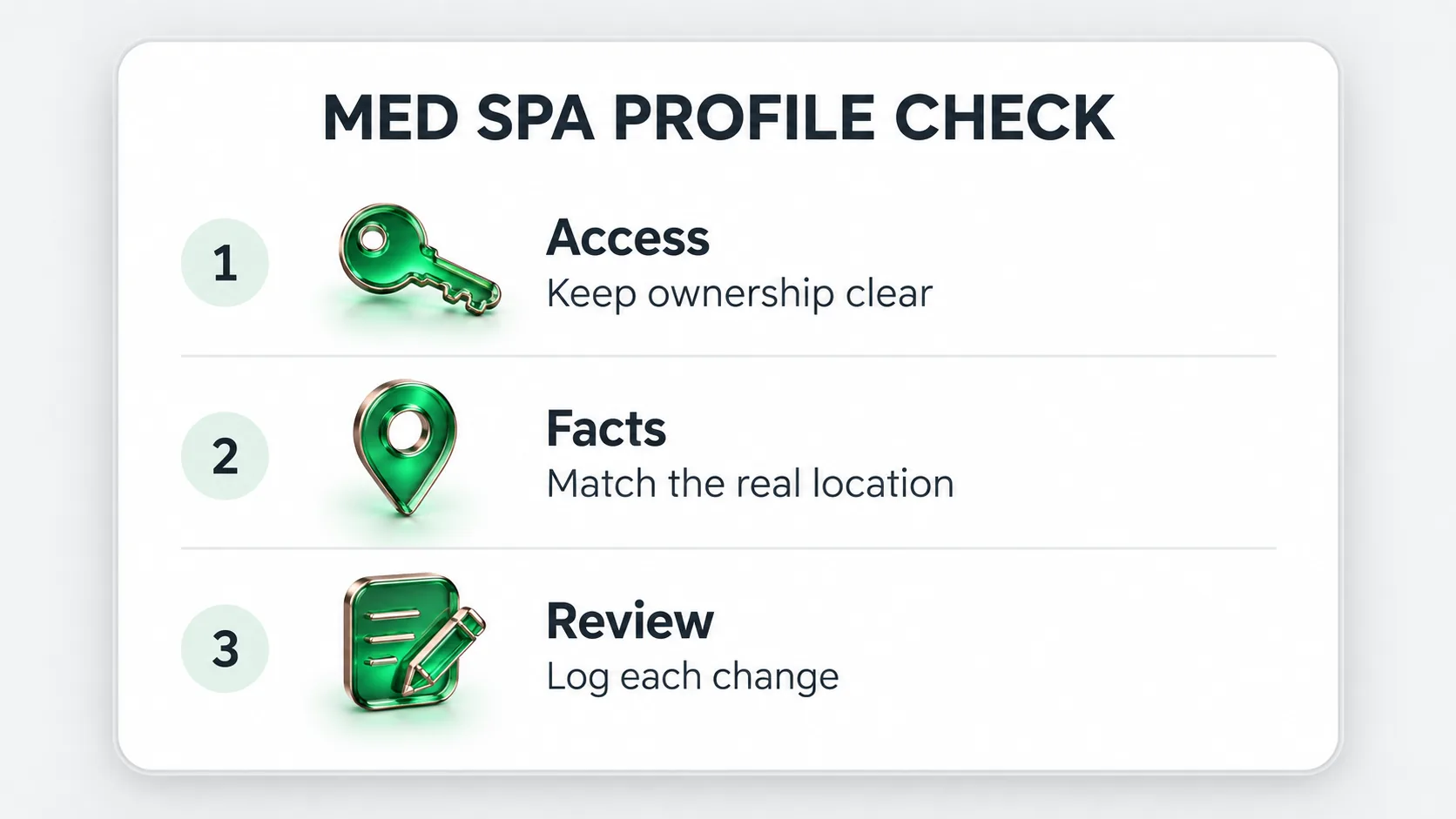
A med spa Google Business Profile should help someone recognize the actual business, find the right location and reach the appropriate next step. For the person managing it, that makes accuracy and access control practical priorities. A complete-looking profile is not enough if its address, service description or destination is wrong.
Use this checklist with the owner, the operations team and the person responsible for public clinical wording. It produces a dated record of what was checked, what evidence supports it and who will fix the remaining issue. It does not certify regulatory compliance or predict a ranking.
The profile audit is separate from deciding which website pages to write. Resolve the real-world facts first. A new article cannot correct the opening hours on a listing that your team no longer controls.
Identify the account that controls the profile and the people who currently have access. Google distinguishes owners and managers, and only the primary owner can transfer primary ownership. Its ownership guidance explains the available roles and transfer restrictions.
As a working arrangement, the business should know who holds its access and how to recover it. Give an external provider the role needed for the agreed work, using an individual account rather than a shared password. Record who authorizes edits, where decisions are saved and who reviews a change after it appears publicly. Reviewing how to choose a healthcare marketing agency beforehand can clarify what access and reporting to expect.
If a former employee or provider controls the listing, use the established ownership process. Creating another listing to avoid resolving access can leave the business with a second problem. Do not remove a profile or transfer ownership as an informal test.
Google’s business representation guidelines require a real-world business name, accurate location information and categories that describe the business. A virtual mailing address is not an eligible office merely because it appears in an attractive market. Practitioner profiles have their own conditions; a staff name alone does not establish eligibility.
Compare the public profile with evidence the team already uses. Work through the table below, preserving the current value before any edit. “Check” means a person has compared the evidence and the live field, not that a tool marked the profile complete.
| Field to inspect | Evidence to use | Decision to record |
|---|---|---|
| Name | Current signage and consistent business identity | Keep, correct, or investigate a rebrand |
| Address and map position | Actual customer entrance and operating location | Confirm the place a visitor should reach |
| Primary category | Core business and available category choices | Confirm the closest truthful category; do not guess availability |
| Hours | Current operating schedule and exceptions | Correct the relevant field and assign an update owner |
| Service wording | Verified menu and approved descriptions | Remove outdated or unsupported claims |
| Phone and website | Approved public number and working page | Test that the visitor reaches the right team |
| Practitioner relationship | Actual role, contactability and current Google conditions | Document eligibility before creating or changing a profile |
| Access | Current People and access list | Resolve unnecessary or missing access through the owner |
For a multi-location business, repeat the check for each real office. Do not copy a service onto every profile merely because it is offered somewhere in the group. For appointment-led operations, verify how the current hours guidance applies before replacing a field with the clinic’s treatment schedule.
Plan photography around recognition: the entrance, reception, publicly accessible rooms and accurate business context. Google’s photo guidance emphasizes a truthful appearance and warns against significant alteration or excessive AI use. Keep the selected originals and a record of permission to use them. A generated editorial illustration on an agency blog is not a photograph of your treatment room.
A practical photo worksheet can contain four columns: scene, purpose, permission status and replacement date. “Entrance from the parking approach” has a clear purpose. A before-and-after image requires a different review process; it should not slip into an ordinary location-photo update without the responsible team checking it.
Google’s Maps content policy prohibits incentivized reviews, selective requests for positive reviews and pressure over review content. It also rejects staff review quotas. Use a neutral process for genuine feedback, without prescribing a rating or a phrase. Keep private treatment details out of public replies.
Assign someone to handle feedback using the business’s established escalation route. A public reply can acknowledge the concern and explain how to contact the appropriate team without confirming that a named person received a procedure. A response template is a starting point for review, not permission to disclose personal information. Establishing a reputation management for doctors process helps keep review replies consistent and appropriate.
The following illustrative change log shows how an audit becomes a small, checkable work queue. These are examples, not issues observed on a real med spa profile.
| Observed issue | Proposed action | Required check | Close the task when |
|---|---|---|---|
| Old website destination | Use the current location page | Owner approval and working URL | The published link opens the intended page |
| Unclear holiday hours | Confirm and update the relevant exception | Operations schedule | The public date and hours match |
| Outdated room photograph | Replace it with a current approved image | Actual scene and permission record | The new photo is accepted and visible |
| Access held by an unknown account | Ask the owner to investigate | Identity and access history | The authorized owner confirms the resolution |
Save before and after values, the reason, reviewer and date. Some updates may need review or verification; a submitted change is not necessarily a public change. Read the listing again and retain any unresolved status for the next operator.
An accuracy audit can establish that visitors see the intended information. It cannot promise a position in every local search. Google describes local results in terms of relevance, distance and prominence, and says there is no paid request for a better local ranking. See its local ranking guidance. Accurate profile data supports broader med spa seo efforts across every location a practice operates.
Keep a dated record of the profile changes and report observed interactions separately from answered inquiries or attended visits. If the business cannot connect those records reliably, mark the attribution unavailable. Do not turn a more complete profile into a claim of new patients.
For a scoped review of the profile alongside the website, see Forge’s med spa marketing approach. You can request a free diagnostic with your business URL and priorities; there is no need to send patient details.